The top policy on a public robot-manipulation leaderboard, as I write this, came from an image-generation lab, and you can LoRA it onto a desk-size arm with LeRobot. On September 23, Black Forest Labs, the team behind the FLUX image models, released FLUX 3 Action. Let’s look at what it does, why I’m excited to try it, and the caveats you’ll want in mind before you plug it into anything with motors.
What FLUX 3 Action does
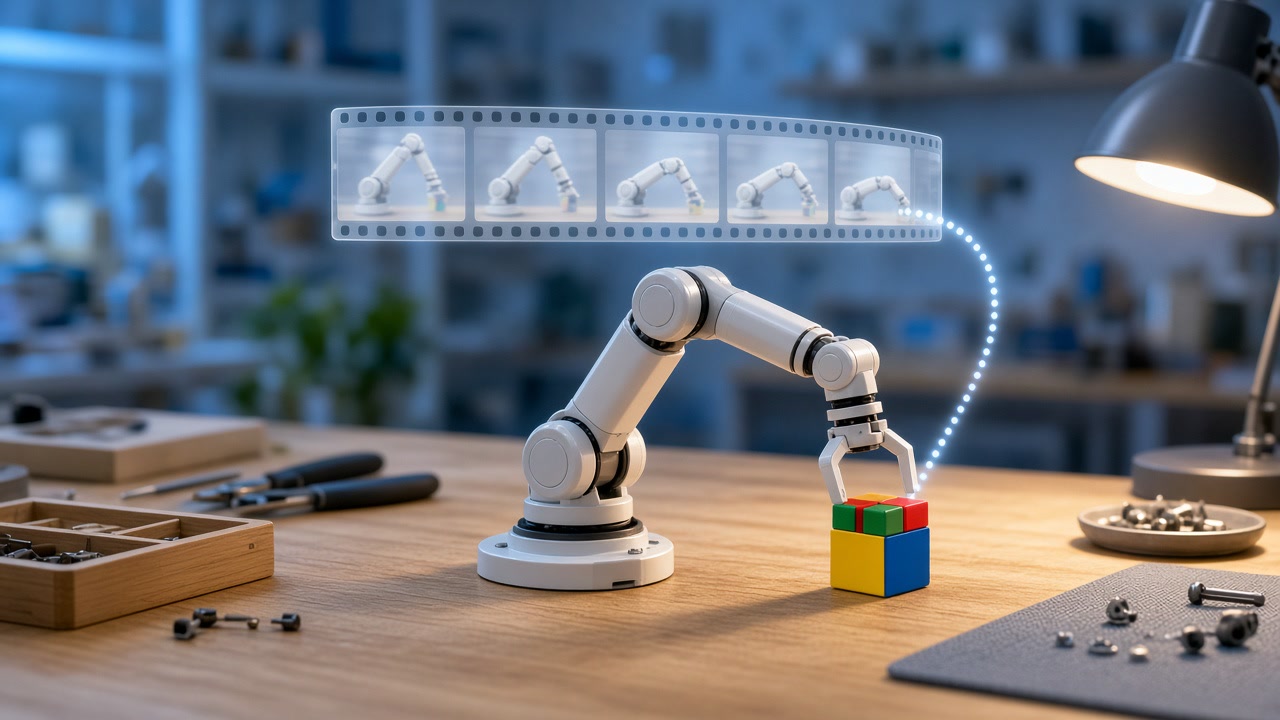
In its announcement on Hugging Face, Black Forest Labs describes FLUX 3 Action as an open weights 7B world action model. “It takes a camera frame and a text instruction and returns the next 2 seconds of actions.” Under the hood it’s a diffusion transformer that denoises video tokens and action tokens together, with a frozen video VAE handling the frames and a frozen Qwen3-VL-4B encoding your instruction.
Each call returns 32 actions and, if you want them, 32 predicted frames. At control time you skip the frames, run some of the actions, look again, and replan. I find that idea really appealing. The model is imagining what the scene will look like while it decides how to move, which is a very natural fit for a lab that has spent years learning to generate pixels.
There are three checkpoints: a base model, a DROID fine-tune for the Franka arm, and an SO-101 fine-tune. The team also showed fine-tunes on two small video games and an indoor drone trained on flights recorded in NVIDIA Isaac Sim, so they clearly see it as a general policy you adapt to your own task.
The leaderboard numbers
On NVIDIA’s RoboLab-120 leaderboard, which runs 120 simulated tabletop tasks in Isaac Lab, FLUX 3 Action sits first at 42.9%, or 515 successes out of 1,200 trials. Next come HiDream-O1-Embodied at 39.9%, Atomic-WAM at 39.6% and OASIS at 39.0%, with NVIDIA’s own Cosmos3-Nano-Policy at 36.8%. Further down, π0.5 scores 28.0% and GR00T N1.6 scores 7.2%.
That’s a strong showing for a 7B model. It’s worth looking at the difficulty breakdown too, though. On complex tasks, FLUX 3 Action scores 28.2%, behind HiDream at 32.9% and OASIS at 32.4%.
Putting it on a desk arm
This is the part that gets me excited as a builder. The LeRobot docs add a Flux3Policy class that loads straight from black-forest-labs/flux-3-action-so101. The SO-101 checkpoint predicts 42 actions, executes the first 32 at 30 Hz, then replans, and its model card says it was trained on the SO-101 episodes of lerobot/community_dataset_v3.
The LoRA recipe is refreshingly modest: rank 32, batch size 2 with four steps of gradient accumulation, and 10,000 microsteps on a single GPU. According to the announcement, the SO-101 policy in the demo videos was adapted from “about 200 teleoperated episodes.” Those clips show it handling objects it wasn’t trained on, recovering from its own mistakes, and coping when the camera moves. That’s lovely to watch, and I’ll gently point out that the team hasn’t published a success-rate study for the arm.
The honest caveats
First, hardware. The leaderboard lists 69 GB of VRAM for FLUX 3 Action. MarkTechPost reports lower figures for the DROID policy with FP8 and text encoder offload, but either way you won’t be running this on a hobby board. Black Forest Labs mentions working with NVIDIA on Jetson deployment, and I haven’t seen any Jetson numbers yet.
Second, the license. The weights come under the FLUX Kommunity License v1.0. Non-commercial use is allowed, and commercial use of outputs is limited to “Qualifying Users,” meaning companies with gross annualized revenue under US$5 million. Bigger companies need a separate license from Black Forest Labs. So most teams can experiment and fine-tune, and many won’t be able to ship without a conversation first.
Third, the evidence. The leaderboard lead is about three points, it comes from simulation, and the leaderboard’s own confidence band for FLUX is about 5.7 points either way. MarkTechPost does mention a small blind test on a real Franka arm, which is encouraging, and I’d still love to see independent real-world numbers at scale. The docs are candid here too: DROID fine-tuning is marked “experimental,” and the integration “still needs GPU and robot validation.” Running a diffusion model on every replan also raises open questions about latency and power.
Finally, safety. The SO-101 model card puts it plainly: “Nothing in the model bounds joint velocity, force or workspace; the application must enforce those limits and keep a hardware stop within reach.” Please take that seriously, even on a small arm.
How I’d get started
If you have access to a big GPU, here’s the path I’d take:
- Read the license before you do anything else, and decide which bucket your project falls into.
- Install LeRobot with the FLUX 3 extras, load the SO-101 checkpoint, and run it on the task it already knows before you change anything.
- Set joint velocity, force and workspace limits in your own code, and keep your hand near a hardware stop for every run.
- Record a couple of hundred teleoperated episodes of your own task, then train the LoRA with the default recipe.
- Keep score honestly. Count successes over a fixed number of trials so you know how your fine-tune really performs.
If you’re thinking about where a policy like this could eventually live on a real robot, the capability framework I wrote about recently is a handy way to talk about latency, compute placement and safety together.
I think it’s wonderful that a lab known for images has handed builders a policy this capable. Bring a big GPU, keep a hand near the stop button, and read the license before you dream of shipping it. Then go have some fun teaching your arm something new.