Some of my favourite AI releases are the ones that slip quietly into the places where real work happens: the energy dashboard, the warehouse spreadsheet, the sensor feed on a factory floor. Mistral just shipped one of those, a family of forecasting models called Timestral, and it got me excited enough that I wanted to walk through what these models are, why they matter, and how you can try one yourself.
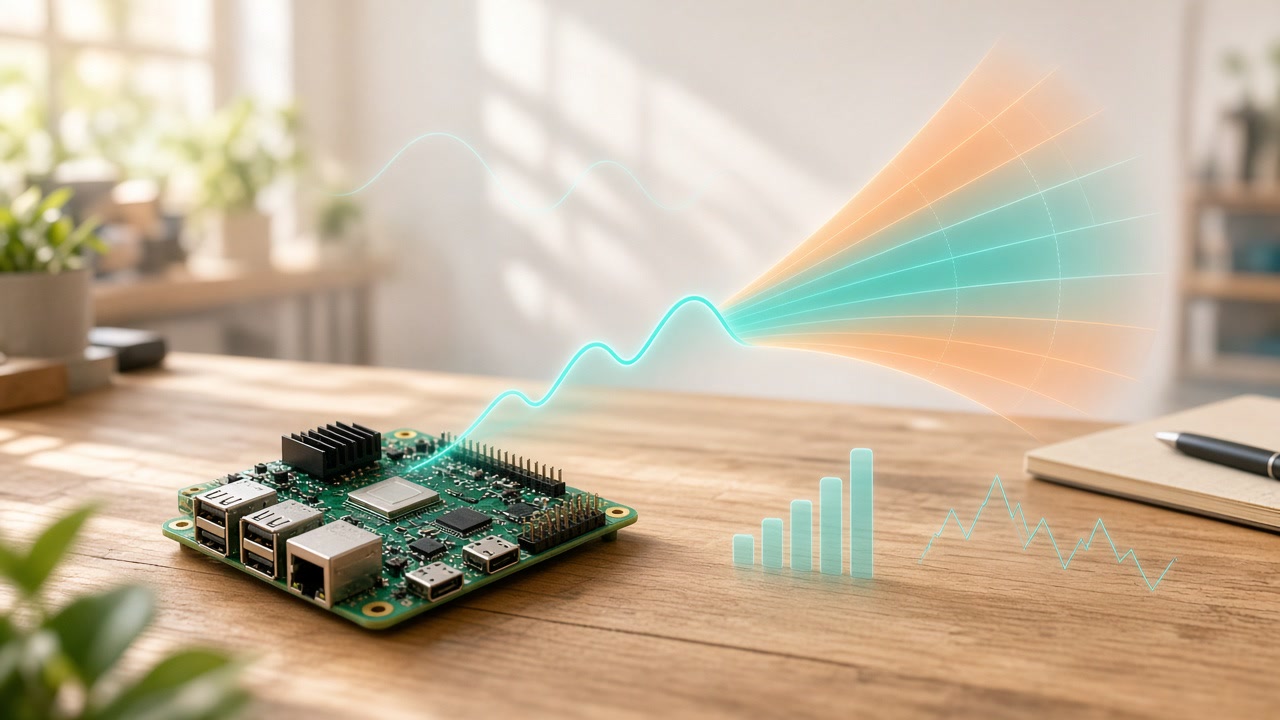
What is a time-series foundation model?
A time series is simply a sequence of measurements over time. Think hourly electricity demand, daily sales of a product, a machine’s vibration readings every few seconds, or the CPU load on a server. If you’ve ever looked at a line chart and wondered where it’s heading next, you’ve wanted a forecast.
A time-series foundation model is trained on a huge, varied collection of these sequences so it can learn patterns that show up again and again, like trends, weekly cycles and seasonal swings. The lovely part is what that enables. You can hand it a series it has never seen and get a forecast straight away, with no training on your data first. That’s called zero-shot forecasting, and it means you can get useful results even when you only have a little history to work with.
Two more ideas make these models especially practical:
- Probabilistic forecasts. A good forecast tells you how confident it is. These models predict a set of quantiles, so you see a likely middle value plus a range of what could reasonably happen. That’s exactly what you want when you’re setting alert thresholds or deciding how much stock to keep.
- Covariates. Real-world series are shaped by other things. Sales depend on holidays and promotions, and energy demand depends on the weather. Covariates let you feed in that extra information, including things you already know about the future, like a planned shutdown or a public holiday.
This kind of AI fits into energy planning, inventory, equipment monitoring and IT operations, and much of it can run on ordinary hardware.
Meet Timestral
Mistral announced Timestral on October 15 as its first family of time-series foundation models. It comes in four sizes: 5M, 28M, 123M and 209M parameters. According to the GitHub README, the fp32 weights range from 21 MB for the smallest model to 837 MB for the largest, and inference needs only PyTorch, NumPy, safetensors and huggingface_hub, on a CPU or a GPU.
Here’s what Mistral says the models can do:
- Zero-shot probabilistic forecasts with 21 quantiles per time step
- Up to 32,768 time steps of context
- Multivariate targets, so related series like a pump’s vibration, temperature and pressure are forecast together
- Past-only and known-future covariates, including categorical ones like day of the week or a machine’s state
Mistral also shares a speed example. On a standard 8-thread server CPU, forecasting one day ahead from three weeks of 15-minute readings takes 10 ms with the 5M model and 140 ms with the 209M model, by Mistral’s measurement.
On quality, Mistral says the 209M model ranks first on GIFT-Eval, TIME and fev-bench, the field’s three main public forecasting benchmarks, ahead of models like TimesFM-3 and Chronos-2. Those are Mistral’s own claims. The results have been submitted to the GIFT-Eval and TIME leaderboards, and Mistral says a technical report “will follow,” so I’d treat the rankings as promising until that report and the leaderboards confirm them.
The weights use a Modified MIT license, and the inference code is Apache-2.0. As always, read the license file in the model repo before you put it into a product.
Getting started looks refreshingly simple. This comes straight from the README:
pip install git+https://github.com/mistralai/timestral.git # Python >= 3.10, torch >= 2.4
import numpy as np
from timestral import TimestralForecaster

forecaster = TimestralForecaster.from_pretrained("mistralai/Timestral-209M")  # device="cuda" for a GPU

context = np.random.randn(2, 1, 2000).cumsum(-1)        # (series, variates, time); NaN = missing
forecast = forecaster.forecast(context, prediction_length=96)

forecast.quantiles.shape   # (2, 1, 96, 21): series, variates, horizon, quantile levels
forecast.quantile_levels   # (0.01, 0.05, 0.1, ..., 0.9, 0.95, 0.99)
forecast.median            # (2, 1, 96)
forecast.quantile(0.9)     # (2, 1, 96)
Swap that random data for a column from your own CSV and you’re forecasting.
Granite Switch 4.1: several skills, one endpoint
IBM had an interesting release too. Granite Switch 4.1 packages a Granite base model with two small adapters, one for general decisions and one called Guardian for safety decisions, plus a 470M English speech encoder. IBM says the 8B version serves chat, decisions and transcription from a single endpoint in roughly the same GPU memory as the base model alone, because the adapters can reuse the base model’s cache. IBM also calls its speech encoder “the fastest ASR model on the OpenASR Leaderboard” and says its Guardian adapter outperforms several closed decision models on safety tasks, on average. Those are IBM’s claims. The model card lists an Apache-2.0 license.
If decision models are new to you, I wrote an explainer on what decision models are and how they work.
And a quick note on images
Black Forest Labs released FLUX 3 Image Klein, a 5.6B-parameter open-weights image model for generation and editing. BFL says its INT8 build runs on RTX GPUs with as little as 8 GB of VRAM. The FLUX Kommunity License allows free commercial use for individuals and companies with annual revenue under $5M, so check where you stand before shipping with it.
Try it on your own data
Here’s how I’d get going with Timestral:
- Pick a series you care about. Website traffic, energy use, sales or a sensor log all work well.
- Start with a small model. Try the 5M or 28M model on your laptop CPU, then compare with the 209M.
- Look at the quantiles. Check whether the forecast ranges actually contain what happened, because good uncertainty is where these models shine.
- Add a covariate. Feed in holidays, weather or a schedule and see how the forecast changes.
- Read the cards and README. They explain the inputs, limits and licenses clearly.
There’s something really satisfying about a tiny model that quietly makes a forecast better. Grab a dataset, give Timestral a try, and see what it tells you about where your numbers are heading.